Нова українська школа: методика навчання англійської мови у 3-4 класах закладів загальної середньої освіти на засадах компетентнісного підходу - Крістіна Карпюк 2020
12. Technology in Teaching English
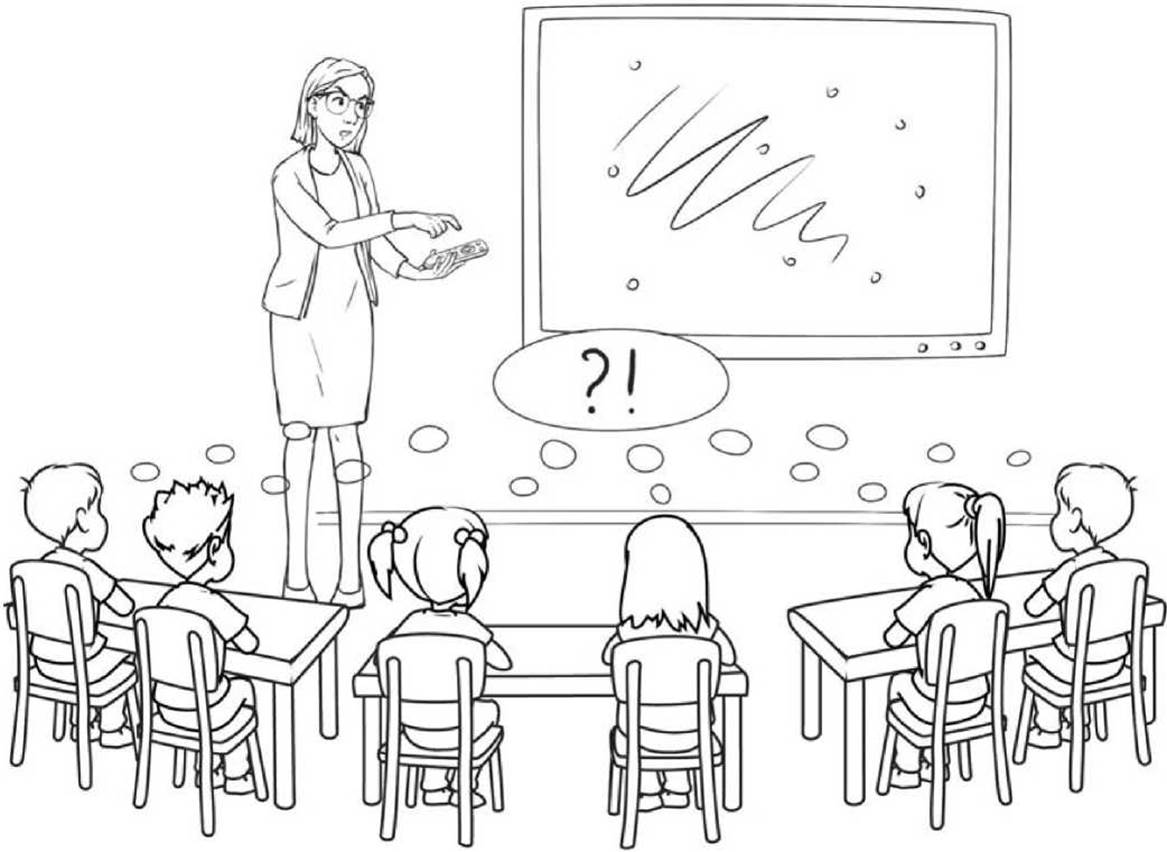
A large progress that has occurred these days in the sphere of teaching is the dramatic enhancement in the use of various electronic materials. In many classes there are whiteboards, computers with projectors, CD players or, in some classrooms, even tape recorders may still be used. Technology is a normal and even integral part of our young learners’ lives who have been growing up in the 21st century. However, a great number of teachers and students prefer teaching and learning by coursebooks most of the time, but they apply different gadgets as additions to their main materials. For example, they often use laptops or recorders to do the listening activities provided in their books. In other words, it is important to make sure that we apply these gadgets to real purposes. «A computer can’t teach your students any more than a blackboard or a cassette recorder can» (Scrivener, 2011: 335). In fact, it is up to you as a teacher to decide what to do with all those tools.
So, what are the advantages of using technology exactly in English teaching to young learners? The main ones are:
✵ Technology is a natural part of our pupils’ lives.
✵ We can use interactive tasks and games for them.
✵ By watching videos and audio tracks, we give our learners a chance to hear other people talking in English, including native speakers.
✵ With the help of the internet, we can find more materials to use in the lesson.
✵ It provides our learners with an opportunity to communicate with other students and people from all around the world. In fact, it can even help us to connect with our own pupils when they are at home.
In general, technology offers educators more opportunities to make their lessons more interesting and diverse for their students and even for themselves. There are a lot of gadgets used in teaching English. The most popular one is the computer with the internet connection - a device which has multiple functions, including searching for information, making and showing presentations, looking at pictures, watching videos, listening to audios and so on (laptops are often used because they take less space and are easier to carry than ordinary PCs). If all or most students are provided with computers or have tablets, they can also play interactive online games at the same time. Other popular gadgets are:
1 Interactive whiteboards with the help of which you can:
✵ write or draw with a special pen/your finger, using different colours and styles as well as highlight the most important data;
✵ save what you have done to use it later;
✵ change or erase what you have written or start a new page;
✵ show and look at images, presentations as well as watch videos;
✵ access the internet;
✵ display and run automated content.
Thanks to the big screen, it is easier and more comfortable to view data on a whiteboard than on a computer, especially if the class is big.
2 TV or projectors with the help of which you can also watch videos and show presentations.
3 Audio devices such as recorders with the help of which you can do listening tasks and play some music.
Watching videos in English on a regular basis does not only interest young learners but also provides them with acquisition - they enrich their vocabulary and develop their grammar, listening and pronunciation in a more natural way. Certainly, in lessons our time is limited, so we can only show our young learners some short videos or clips. However, by choosing something really interesting for them, we can stimulate our students to watch the rest at home and then have a discussion with them about it as a warm-up in the next lesson.
Presentations are used not only to show the new information but also to clear it out. However, when creating a presentation, it is important to minimise the text - put on only the most significant points. The main text should be heard from the presenter. Most of the presentation should be designed with pictures and some tables in order to supplement the data as well as interest the students. Learners themselves can make small presentations or projects which develops their creativity and speaking skills.
One of the things that gives us a great number of advantages is the internet connection. Websites are sources of information "... which can be used as a window on the wider world outside your class» (Dudeney and Hockly, 2007: 27). They offer teachers various authentic materials, including data on different topics, pictures, songs, videos, etc.
Apart from these, there are also social networks that provide us with online communication with other people from all around the world orally/in a written form (thus, practising listening and speaking or reading and writing).
We can also contact our students from home by organising online lessons through such programmes as Skype or Zoom.
Teachers may create interactive games for their pupils to learn and practise English in a playful form. «From a language input perspective, games are very rich because they combine different contextual clues via animation, audio, video, and other multimedia» (Pinter, 2017: 39). They keep children focused on the task with the help of the interesting content. There are various websites which offer interactive tasks and have a function to automatically check for mistakes and then count the marks (kahoot.com or wiserme.com, for instance).
Additionally, educators can make class blogs or chats for their students to share their interests, show their impressions about the lessons or talk about homework in English.
In order to choose or create an appropriate online resource, we should evaluate it by:
✵ its accuracy;
✵ its currency;
✵ its content;
✵ its functionality.
On the other side, it is not a good idea to rely on technology completely, since it has its disadvantages, too. The main ones are:
✵ Gadgets can get broken.
✵ Online resources may have viruses.
✵ There may be difficulties with instructions.
✵ The students might get addicted to technology and it can have a bad influence on their health and behaviour.
✵ Online resources can provoke pupils to cheat.
There are certain ways to omit these problems, including:
✵ Check if everything works well before the lesson.
✵ Have additional tasks and materials which do not require technical support (books, paper pictures, oral/physical games, etc).
✵ Practise and make sure you know well how to use a certain device or online resource in advance.
✵ Combine technology with other materials, such as coursebooks, activity books, written/oral tasks, games and activities, etc.
✵ When doing a test or any other task to check students’ knowledge, apply a tool which can be used by the whole class (one whiteboard or computer for everyone) to decrease the chances for students to cheat.
SUMMARY
Technology is an integral part of today’s young generation and teachers can use it to their advantage in their English lessons. There is a great variety of tools as well as online resources which provide educators and their students with more information, bright presentations, interesting videos, images, tasks, activities and interactive games. With the help of the social networks learners can develop their language skills by communicating not only with each other but also with foreigners and the teacher can contact his/her pupils from home, when needed. However, despite all of the pros, technology has its own cons. For example, gadgets can get broken or be difficult to use, online resources can have viruses, provoke students to cheat or pupils may become addicted to them. That is why the teacher should always check in advance whether all of the devices work properly, prepare additional materials and combine the use of technology with those resources, tasks and games which do not require an electronic device to be used as well as apply one gadget for everyone when doing a test or any other task to check students’ knowledge.